Amazon PPC explained: start with the system, then build the structure
This article is part one of the Amazon PPC Masterclass. Across the series, you will learn how to set up your whole Amazon PPC system: build the right campaign structure, optimise bids every week, and discover new profitable search terms every month.
If you're asking how to run PPC on Amazon, the aim is not simply to launch ads. The aim is to create a PPC account that can keep improving. Proven targets need direct control, weak targets need their bids corrected, and new search terms need a place to be tested before they are promoted into the main structure.
Most accounts become difficult to manage because those jobs are mixed together. Automatic campaigns, broad keywords, exact targets and low-bid campaigns all start competing for the same traffic. Reporting becomes noisy, bid decisions become harder, and profitable opportunities are easy to miss.
That is why the masterclass starts with structure. The campaigns below give every part of your PPC account a clear role, so the optimisation and discovery processes in the next two articles have clean data to work from.
It's also important to note that PPC is not a solution to all of your sale and performance problems. Without a quality listing that has good images, an optimised title & bullets, at least 10 reviews and a 4.2 average rating or higher, your PPC will struggle to be profitable no matter what system you implement. If you do not yet have a listing that meets those requirements achieving that should be your focus before starting PPC.
Give every campaign one clear job
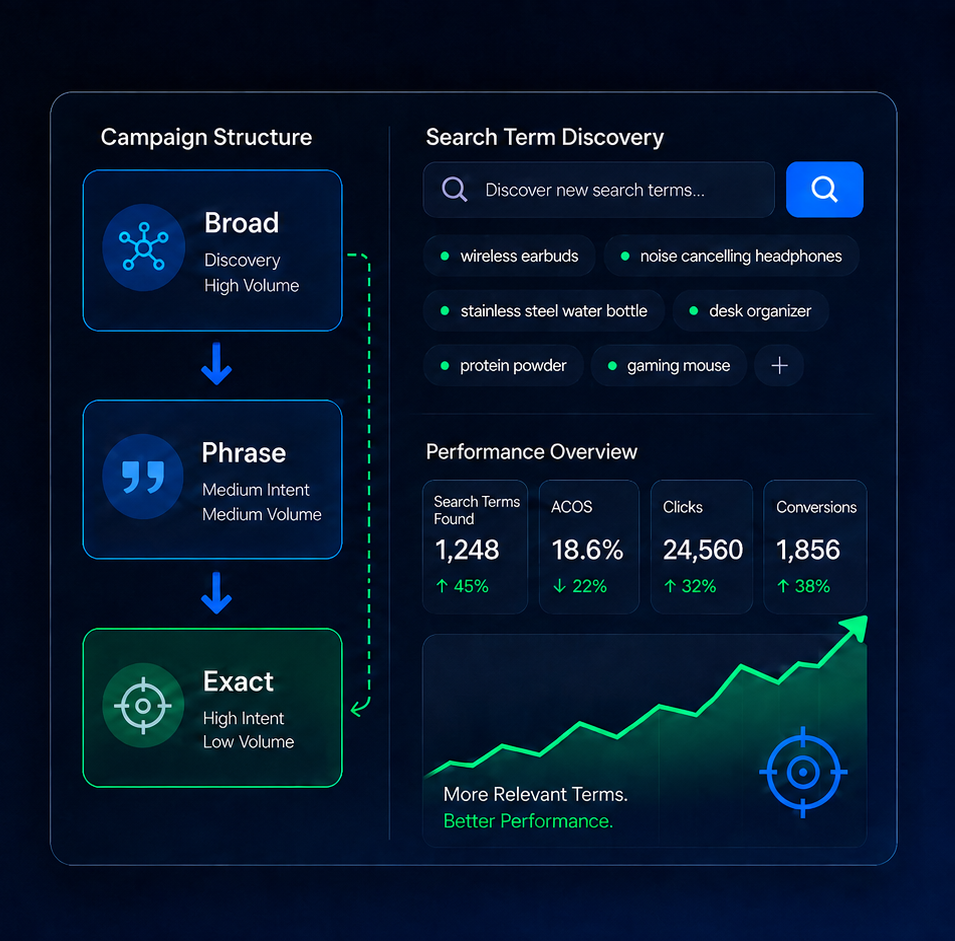
A strong Amazon PPC campaign structure has three jobs: maximise proven targets, discovery, and cheap coverage. Exact campaigns give you direct control over proven targets and related products that have already made sales. Discovery campaigns find new customer searches. Catch-all campaigns use low bids to capture cheaper opportunities without competing aggressively with the main structure.
Exact keyword and exact product campaigns hold the targets already proven to convert.
Automatic, broad, phrase and expanded targeting look for new keywords and ASINs.
Low-bid catch-all campaigns pick up sales when cheaper ad auctions become available.
This is not about creating complexity for its own sake. It is about making each campaign easier to read and control. When performance changes, you can tell whether the issue is discovery quality, bid optimisation, target selection or available search volume and act accordingly.
For Amazon PPC for beginners, this is the safest way to learn how to use Amazon PPC without turning the account into one mixed campaign. For advanced Amazon PPC accounts, the same structure also makes scaling and reporting much cleaner.
Build your keyword and product target lists first
Note: If you haven't run any PPC campaigns for a product yet then go create an automatic targeting campaign, set the bids to the highest suggested bids, run it for at least 2 weeks, then come back here and start the masterclass. You need to have some proven search term data to work with before you can build an effective structure.
Before creating or rebuilding campaigns, the first thing to do is identify the targets that already have evidence behind them. To do that, we use the data from your existing campaigns to build a master list of keywords and product targets that have already proven to convert.
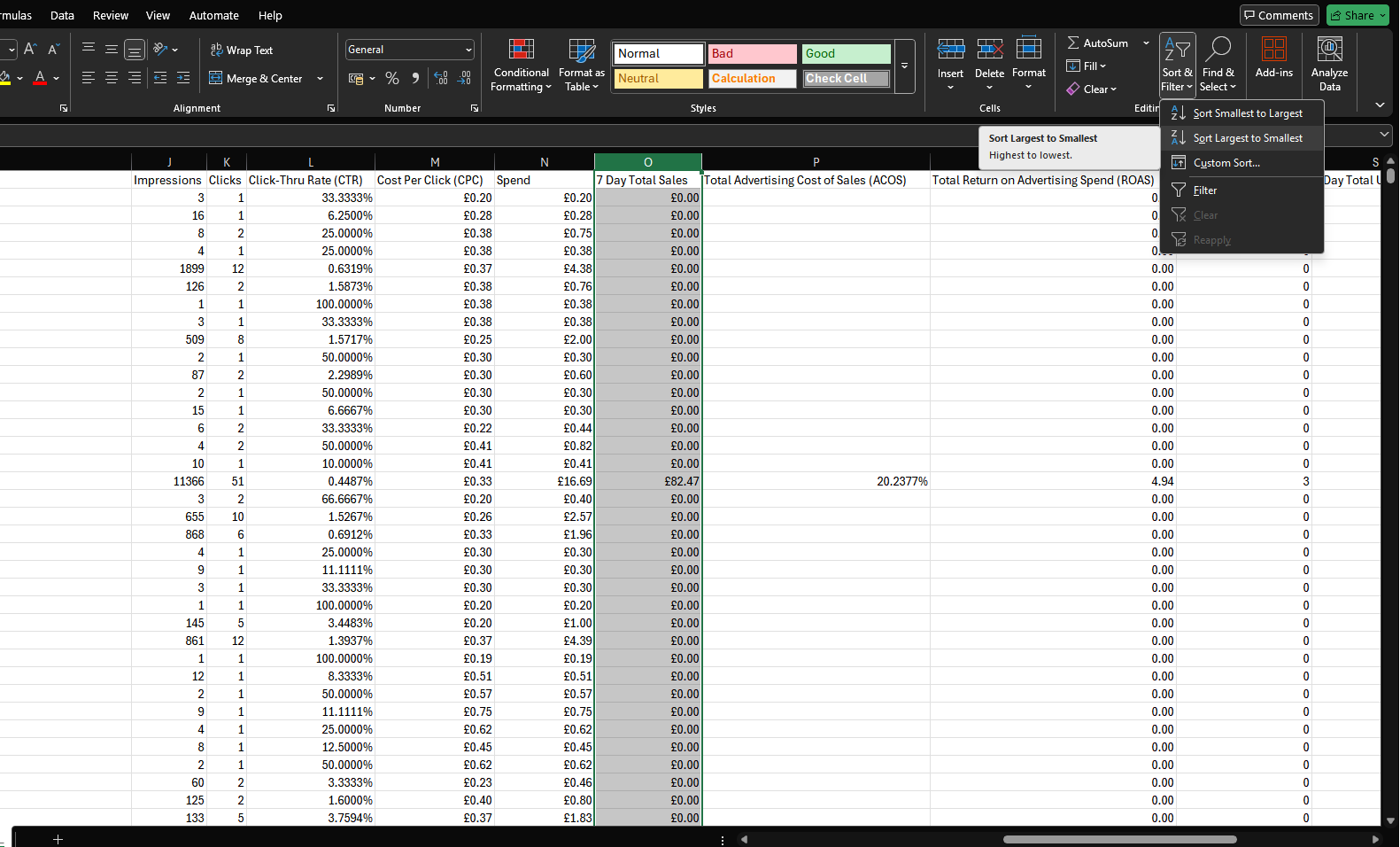
We'll build that list from the data in your Search Term report, so to start with download a Sponsored Products Search Term report by following this link and clicking Search term, create the report for the last 60 days and wait for it to download. Once it has, open it in Excel or Google sheets and sort by 7 Day Total Sales from largest to smallest, then copy all of the customer search terms and product targets that have generated sales.
Split that list into two parts. Values that look like ASINs, usually beginning with B0, belong in your product target list. The remaining values belong in your keyword list. Together, these form your master target list.
You can store both lists however you like, a spreadsheet or notepad file is fine. As long as you have a reference to all of the keywords and product targets that have already proven to convert, you can use it to build the campaigns in the next step.
Keep one master list of keywords and product targets that you already target deliberately. You will use it to build exact campaigns, update discovery campaigns and prevent the same proven keywords being rediscovered by lower-control campaign types.
Once you have your master list, it's time to start setting up your campaigns.
Set up the Amazon Ads campaigns each product needs
Once you have your master keyword list and master product target list, the next step is to turn those lists into a campaign structure that can keep learning. Each campaign you create should have a specific purpose: some campaigns are there to discover new search terms, some are there to control the targets that already work, and some are there to pick up low-cost traffic that your competitors leave behind.
Create at least one Amazon Ads campaign for each row below and make sure the match type you apply matches the match type in the table e.g. Keyword - Broad, the campaign should use your keywords (not ASINs) and should only target the broad match type, no others.
| Role | Match type | What to include | Bids |
|---|---|---|---|
| Discovery | Automatic | Create an automatic Amazon Sponsored Products campaign and include all automatic targets: close match, loose match, substitutes and complements. | Middle suggested bid for each automatic target group. |
| Discovery | Keyword - Broad | Create a campaign and add all keywords from your master keyword list. | Cost per Click (CPC) from the Search Term report. If a keyword appears more than once, use the highest CPC. |
| Discovery | Keyword - Phrase | Create a campaign and add all keywords from your master keyword list. | Cost per Click (CPC) from the Search Term report. If a keyword appears more than once, use the highest CPC. |
| Discovery | ASIN - Expanded | Create a campaign and add all ASINs from your master product target list. | Cost per Click (CPC) from the Search Term report. If an ASIN appears more than once, use the highest CPC. |
| Catch all | Keyword - Broad | All broad keyword suggestions Amazon provides. When creating a campaign select manual targeting -> keyword targeting. Scroll to keyword targeting, make sure only broad is selected, click add all and enter a bid of £0.15. | £0.15. |
| Catch all | ASIN - Expanded | All expanded product targets Amazon provide. When creating a campaign select manual targeting -> product targeting. Scroll to product targeting, select individual products, make sure only expanded is selected, click add all and enter a bid of £0.15. | £0.15. |
| Catch all | Category | All relevant category targets Amazon provides. When creating a campaign select manual targeting -> product targeting. Scroll to product targeting, make sure categories -> suggested is selected and all categories listed, update their bids to £0.15. | £0.15. |
| Exact | Keyword - Exact | Create an individual campaign for each of your top five keywords, your top 5 being the 5 with the most sales. Then add all remaining master-list keywords in a single campaign for lower performers. | Cost per Click (CPC) from the Search Term report. If a keyword appears more than once, use the highest CPC. |
| Exact | ASIN - Exact | Create an individual campaign for each of your top five ASINs, your top 5 being the 5 with the most sales. Then add all remaining master-list ASINs in a single campaign for lower performers. | Cost per Click (CPC) from the Search Term report. If an ASIN appears more than once, use the highest CPC. |
Setting the bids as the search-term report's Cost per Click (CPC) is just the starting value for each target. We already know that that keyword/product can convert for you at that bid so it makes the ideal starting point. You will learn how to optimise every target's bid each week in part two of the masterclass: weekly PPC bid optimisation.
This is the ideal campaign structure for Amazon seller PPC because it gives every campaign a clear role and allows you to manage and optimise your campaigns moving forward. You can focus on the targets that are already proven to convert while still allowing discovery campaigns to find new opportunities.
The next step is adding negative targeting to your discovery campaigns to allow your campaigns to communicate.
Add master list negatives so the campaigns communicate
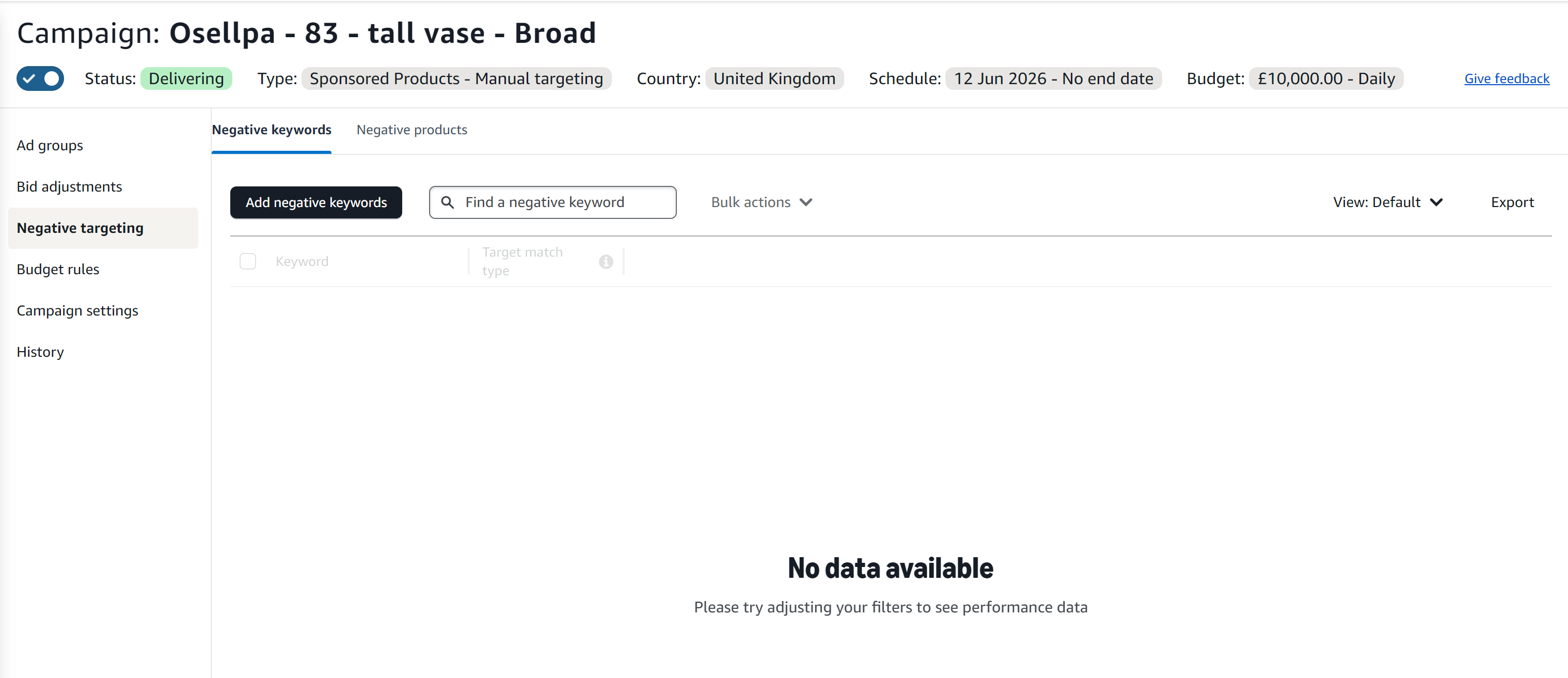
The next step is to add your master list keywords to the negative keywords and product targets of your discovery campaigns.
The structure only works properly when discovery campaigns are not all chasing the same proven searches. Once a keyword has been added to your master list and moved into exact targeting, add that master keyword list as negative targeting to all of your discovery campaigns.
In practice, this means adding your master keyword list as negative keywords in your phrase, broad and automatic campaigns.
For product targeting, apply the same logic to ASINs on your master list and add them as negative product targets to your expanded match ASIN campaigns and your automatic campaign.
You don't need to add negatives to your catch all campaigns as they already bid very low, just the above discovery campaigns.
Exact campaigns say, "we already control this target." Discovery campaigns then know to keep searching for what is new. That stops you from bidding yourself up and makes monthly search-term discovery much more efficient.
Campaign structure summary
| Campaign role | Campaigns to create | Purpose |
|---|---|---|
| Maximise | Exact keyword and exact product targeting campaigns | Allow direct targeting and optimisation of proven targets |
| Discovery | Automatic, broad keyword, phrase keyword, expanded product targeting | Find new search terms and ASINs to target |
| Coverage | Low-bid broad, low-bid expanded ASIN and low-bid category campaigns | Cheap sales |
| Campaign communication | Negative targeting from your master keyword and product target lists | Stop you from bidding yourself up in your discovery campaigns |
Conclusion: Set up your campaign structure to allow you to maximise whats working and keep discovering
The idea of this campaign structure is to allow you to maximise the targets that are already proven to convert while still allowing discovery campaigns to find new opportunities.
It gives you a repeatable operating system. Discovery campaigns look for new opportunities, exact campaigns maximise the targets that have already made sales, and low-bid catch-all campaigns cover cheaper traffic without taking over the account.
The next step in the masterclass is to optimise every target's bid each week. After that, use monthly search-term discovery to promote new converting search terms into your master list and keep the structure improving over time.
It's through optimisation and repeated discovery that your PPC campaigns will continue to improve and drive better results, so be sure to carry on with the masterclass to get the most out of this structure.
Build and maintain your Amazon PPC structure automatically
Osellpa creates campaigns, optimises bids and discovers new keyword opportunities using your Amazon performance data for you automatically.